
Vibe Coding from Zurich: 1:1 Tutoring with AI
- Vibe Coding from Zurich
- Vibe Coding Zurich
- 1:1 coding tutoring
- AI coding lessons Zurich
- learn Cursor
- build apps with AI
- build websites with AI
- AI coding tutoring Switzerland
- online Vibe Coding
- coding tutoring Zurich

Vibe Coding from Zurich: 1:1 Tutoring with AI
Want to build your own apps, websites, or prototypes with AI – without months of self-study and without an anonymous group course? That’s what Vibe Coding from Zurich is for: personal 1:1 tutoring tied to your project, not a rigid syllabus. Prompting, structure, shipping, and launch – online via screenshare or in person. On coding.teodoro.ch you’ll find single lessons, packages, and a website project: hands-on, modern, and tailored to you. Whether you’re a beginner, a product manager who needs faster prototypes, or a founder validating a first version – you set the pace and the goal.
What Vibe Coding actually means
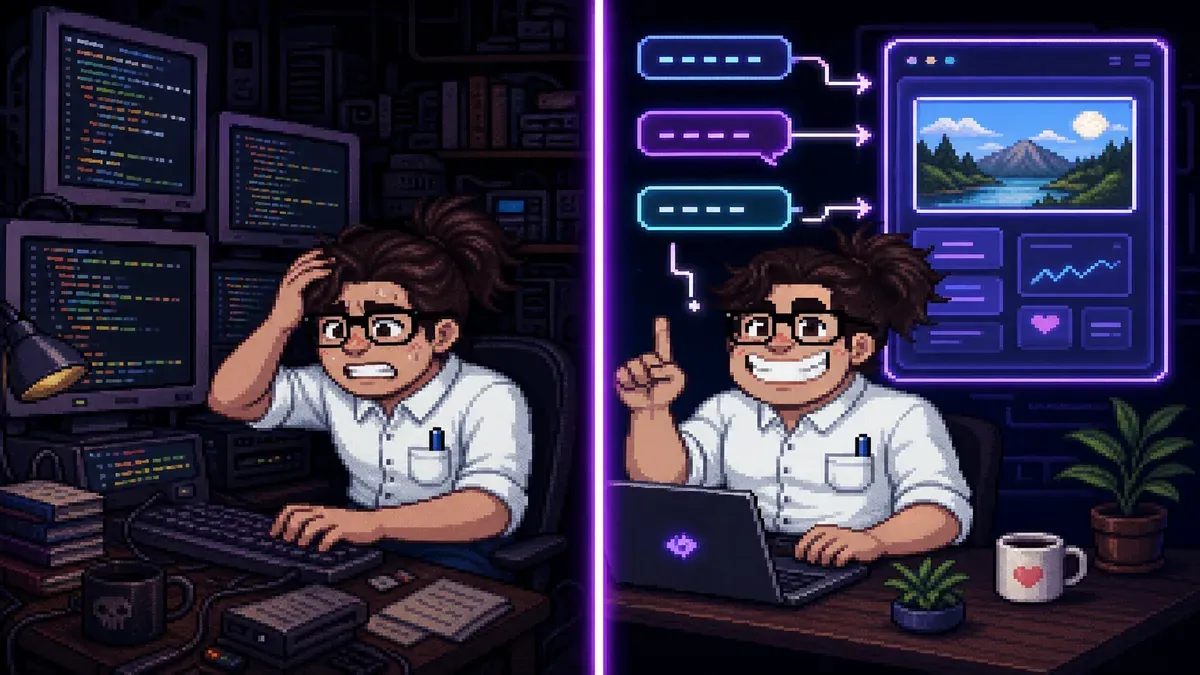
Vibe Coding means you steer digital products with natural language and AI coding tools. You describe the goal, users, and flow – AI helps with the code, you stay responsible for product, tests, and quality. Learning this rarely requires a bootcamp. Clear guidance, feedback, and a project that actually goes live are often enough.
Personal tutoring instead of mass formats
My focus is sustainable 1:1 lessons, practice between sessions, and a tangible outcome – often a live website or a clickable prototype. Building with AI becomes concrete without getting lost in a big group. No gallery demos – skills you can keep using on your own.

What you learn at coding.teodoro.ch
Build software with AI
With modern AI coding assistants (e.g. Cursor), you plan, build, and improve features. No prior knowledge needed: we start where you are – landing page, internal tool, MVP sketch, or learning project.
Optional: AI content generation
In parallel, you can learn to build texts, images, and content pipelines with AI – practical for freelancers, creatives, and small teams who want to publish, not just experiment.
How collaboration works
- Intro call: short, free chat (~20 min) – clarify goal, level, and format.
- Lessons: 60-minute 1:1 sessions, online or in Zurich.
- Practice: you ship between sessions; packages include chat support.
- Live: your project goes online – not just slide demos.
Hands-on on your own project instead of theory slides – you learn by building.
Why Zurich is a good base
Between startups, universities, and SMEs, the pressure to make ideas visible fast is rising – without a full-time CS degree. Vibe Coding from Zurich fills that gap: tech-scene pace, fitted to your life – evenings, remote, or on-site in Zurich 8004.
- Online or on-site: screenshare from anywhere – or meet in person.
- Languages: German, English, and Italian.
- Outcome-focused: prototype, website, or content pipeline – not certificate slides.
- Beginner-friendly: no computer-science background required.
In Switzerland, pragmatic quality often wins: solid basics, clear explanations, and something you can show stakeholders. That’s exactly what the lessons aim for.

Tools and formats in 2026
In lessons we use what makes you productive. AI coding assistants like Cursor are central; depending on the project we add text/image models and a modern web stack. The point isn’t tool hype – it’s understanding prompt → result → fix → deploy.
Packages at a glance
- Single lesson – 60 min, flexible start.
- 5- and 10-lesson packs – better per-lesson price, plus chat support between sessions.
- Website project – bundled 1:1 lessons through launch, including a security review.
Current prices are on coding.teodoro.ch/en#pricing. Tool subscriptions (e.g. Cursor) are separate – in class I’ll show what is worth it for you. Cursor is a means, not the goal.

How to get started
Practical tips before the first lesson
- Write five sentences: problem, audience, desired outcome.
- Collect examples of sites or apps you like.
- Plan realistically: one finished flow beats five half-ideas.
- Bring questions – clarity saves lesson time.
Common mistakes – and how we avoid them
- Starting too vaguely: “build me an app” with no user or goal leads to mediocre results.
- Only watching: learning happens when you type and prompt yourself.
- Blind trust in AI: we consciously check login, data, and public links.
- Wrong expectation: this isn’t a one-off mass format – it’s guidance across lessons with real project progress.
Conclusion: your next step
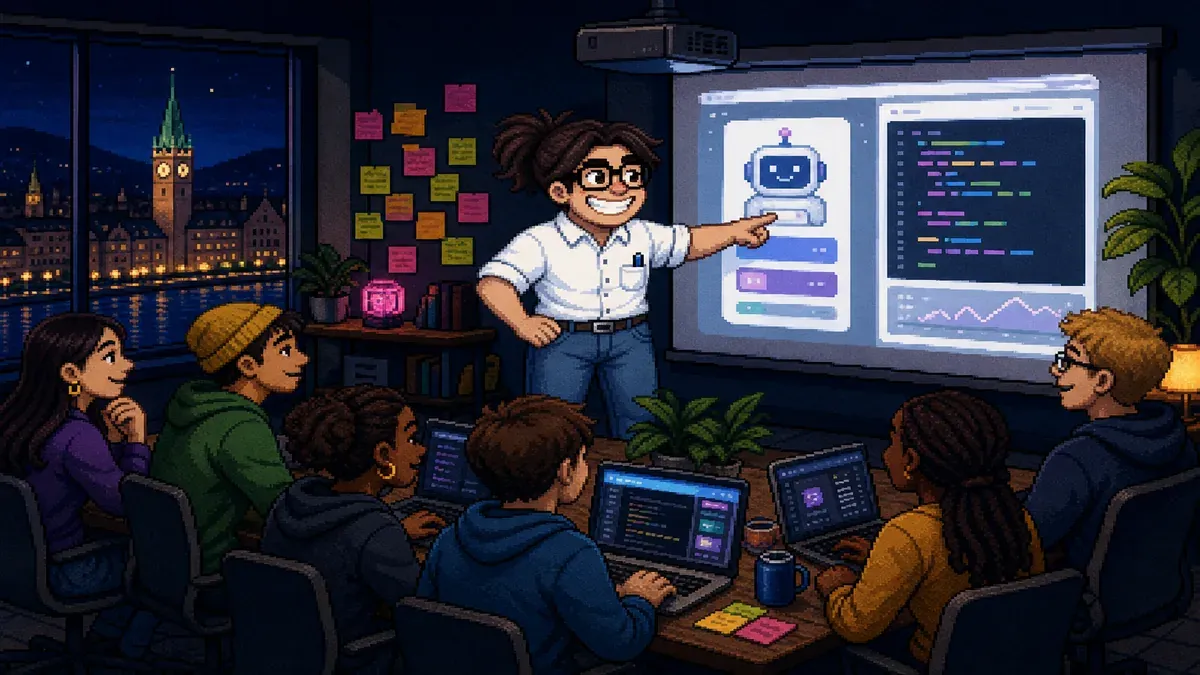
Vibe Coding from Zurich doesn’t have to stay a hype hashtag. With 1:1 tutoring on coding.teodoro.ch you turn ideas into visible products – online or on-site, in German, English, or Italian. Personal teaching, clear packages, outcomes first. Screenshare works fully if you can’t meet in person.
Next steps
- Check the offer and pricing: prices on coding.teodoro.ch.
- Write your project goal in a few sentences.
- Book a free intro call (~20 min).
- Start with a single lesson or a package – depending on your pace.
- After the first lesson, bring a small homework live (screenshot or preview link).
CTA: Ready? Use the contact form – request a lesson on coding.teodoro.ch. Your idea deserves more than another tab of tutorials. Let’s build it.